
Fix My Face
Unclench. Your face carries more tension than you think.
Frowning at a screen all day means sustained muscle tension, tension headaches and expression lines, and it can make you look more upset than you are. Fix My Face notices the moment it happens.
How it works.
- 1
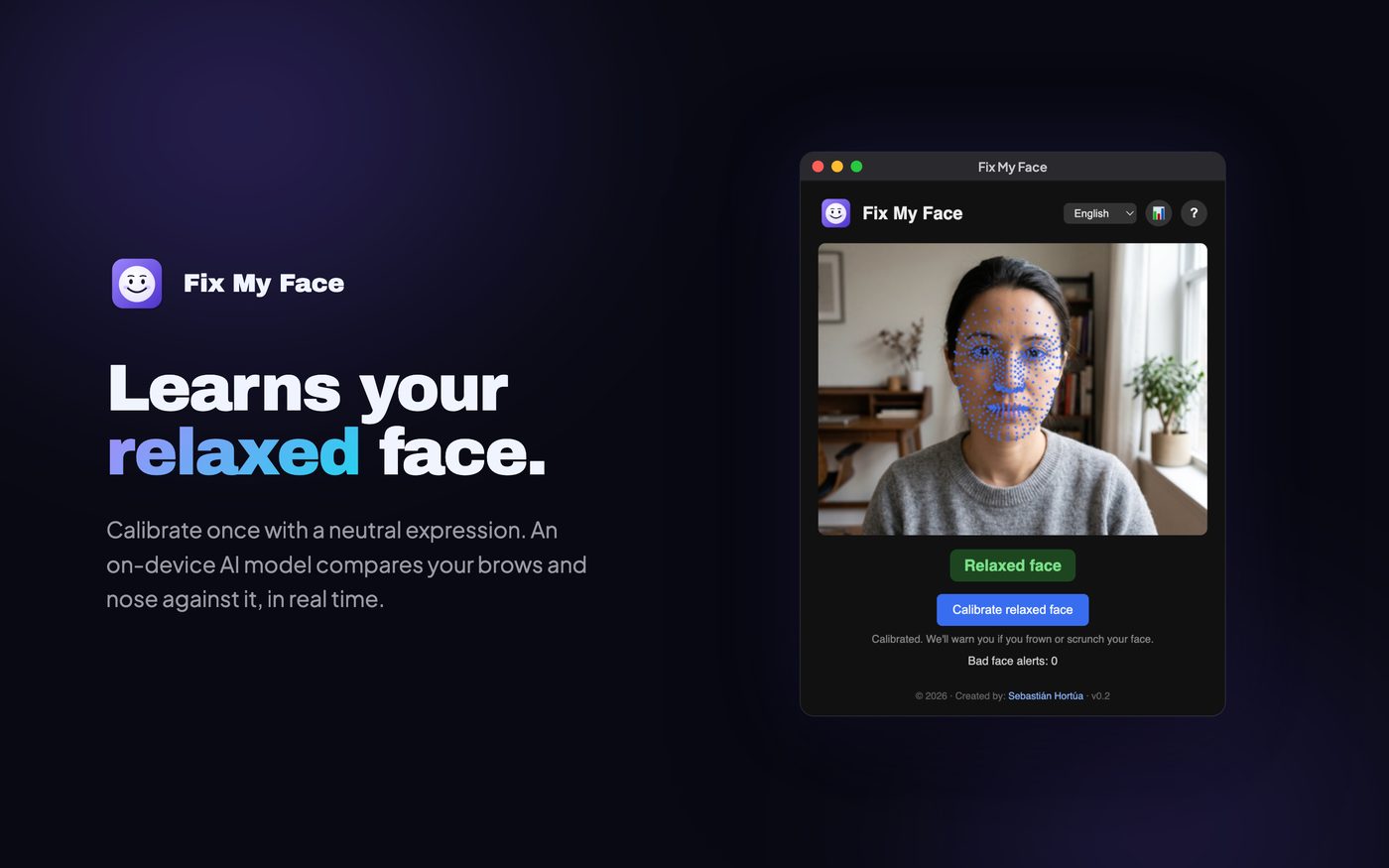
Learn your relaxed face.
Calibrate once with a neutral expression.
- 2
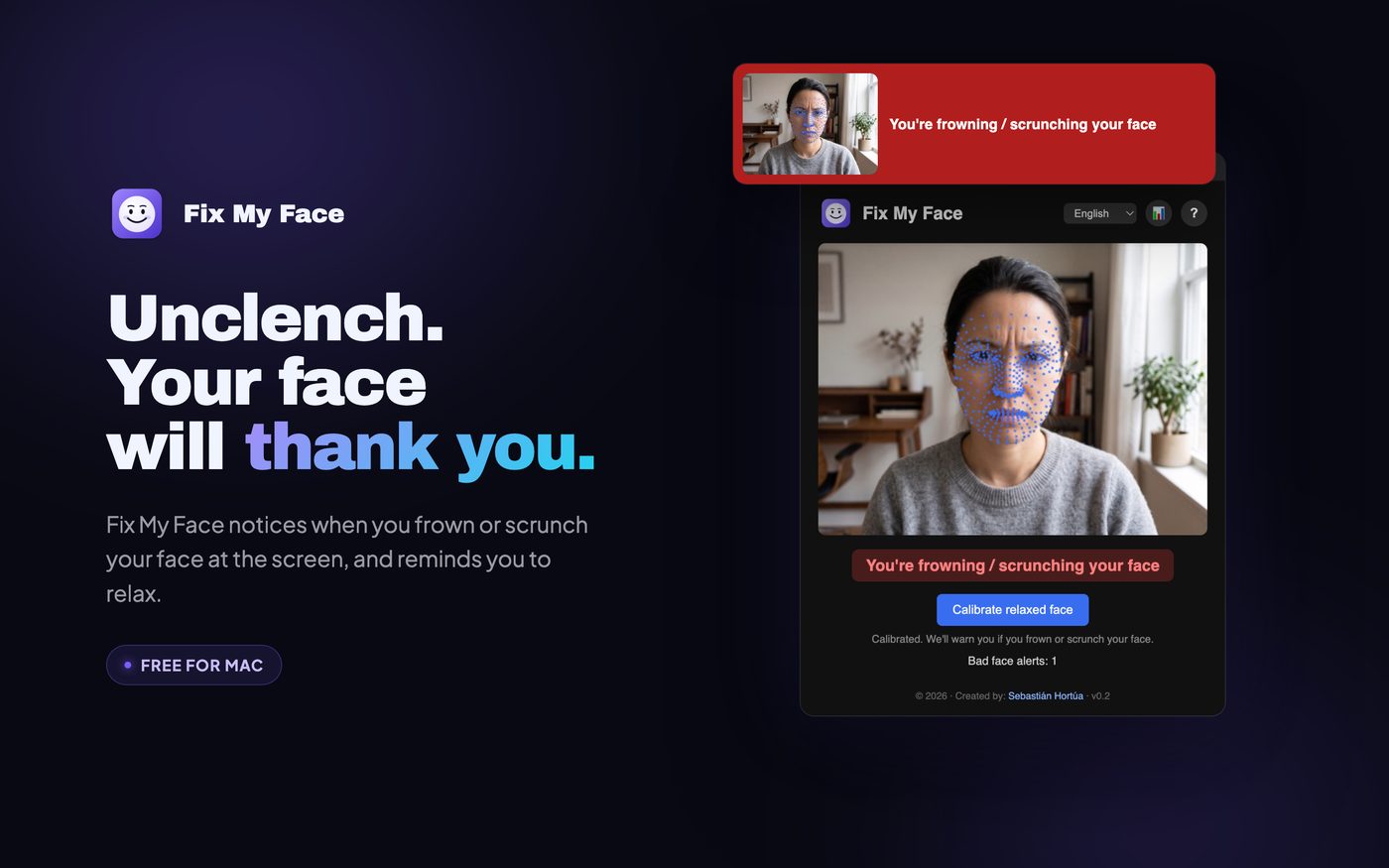
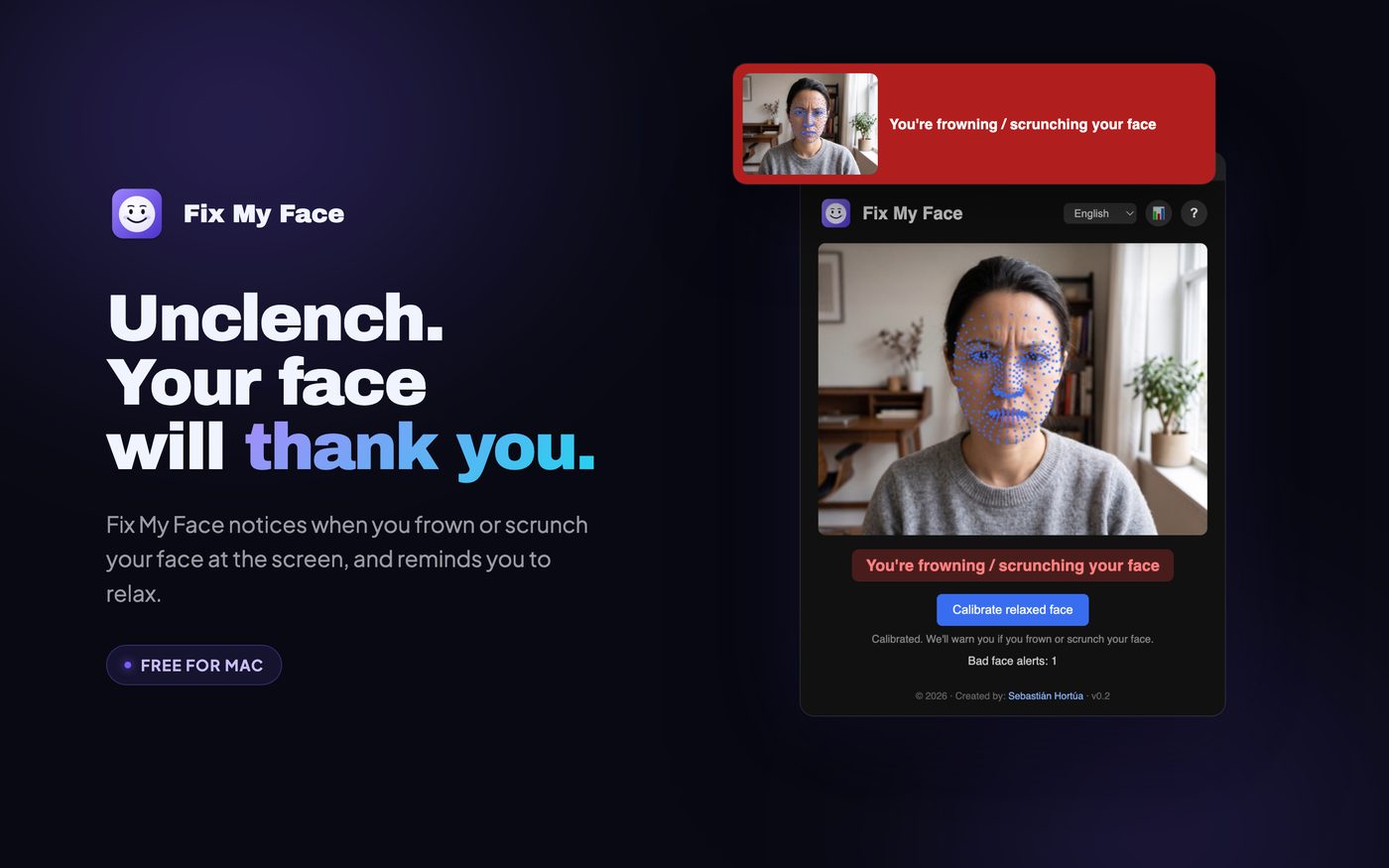
It spots the frown.
It notices lowered brows and a scrunched nose while you work.
- 3
A friendly nudge.
Hold the frown and a banner reminds you to let go. It lives quietly in your menu bar.
What's inside.
Learns your relaxed face
Calibrate once with a neutral expression.
Reads the tension
It measures lowered brows and a scrunched nose against your relaxed baseline.
Catches it in the moment
Hold the gesture and a banner reminds you to let go.
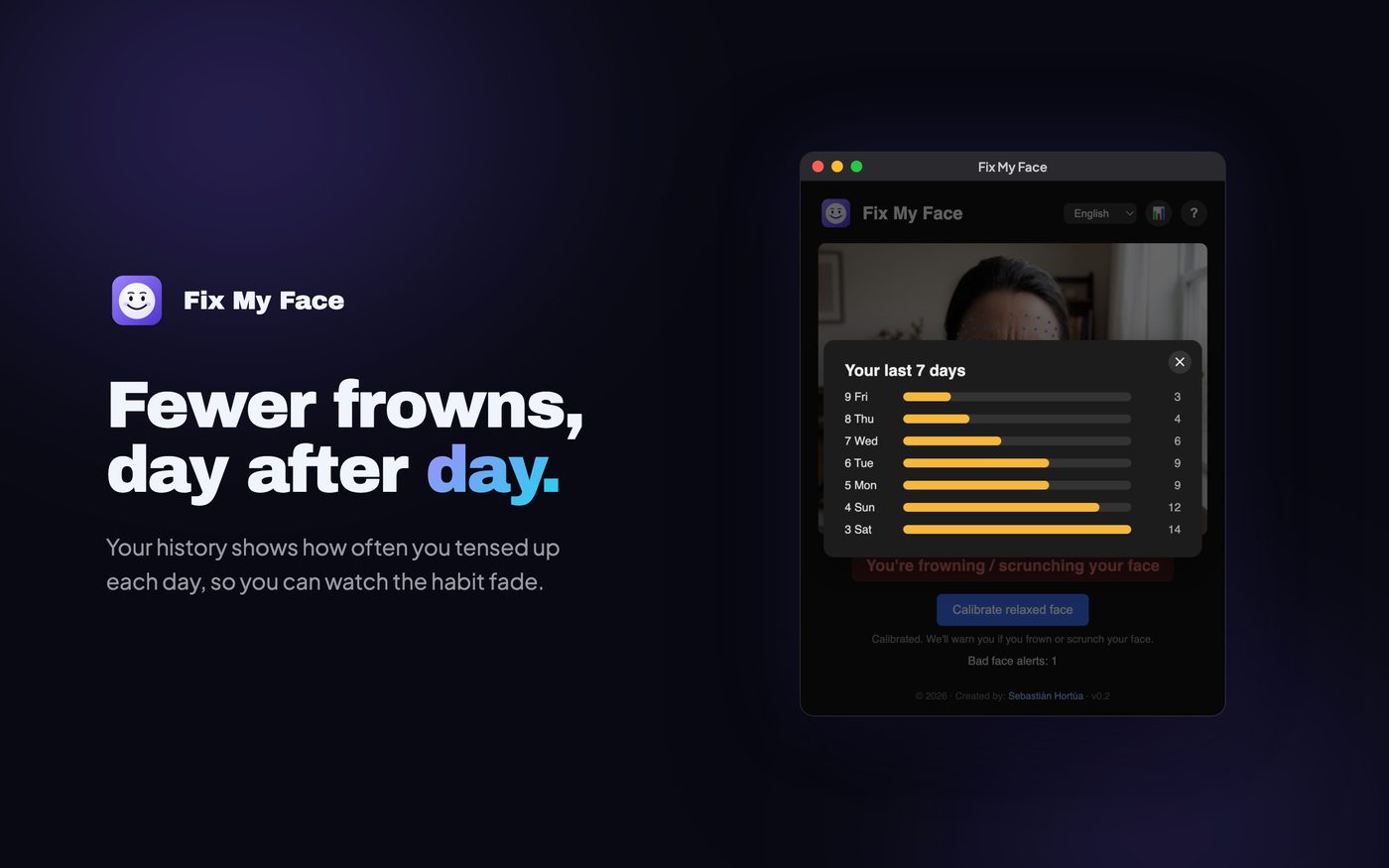
Fewer frowns, day after day
Your history shows how often you tensed up each day, so you can watch the habit fade.
Stays out of the way
Close the window and it keeps watching from the menu bar.
Your camera never leaves your Mac
Every frame is analyzed on your computer and thrown away. Nothing is recorded, stored or uploaded.
Take a look.
Real screens from the app.
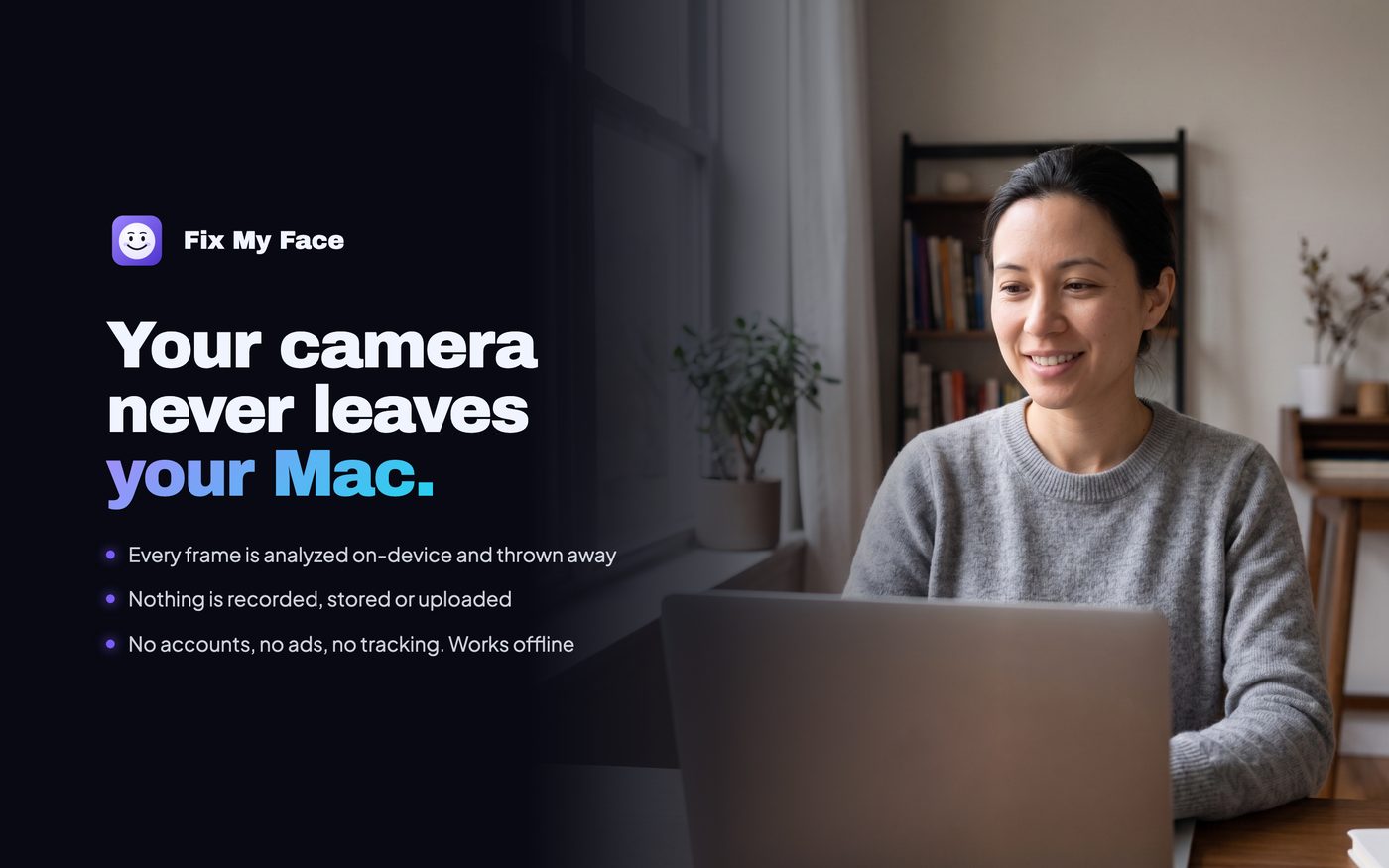
Your data stays with you.
Every frame is analyzed on your Mac and thrown away. Nothing is recorded, stored or uploaded.
Read the privacy policyInstall in a minute
Open the downloaded .dmg, drag Fix My Face into Applications, open it and allow camera access when macOS asks.
Need help?
Questions, bugs or ideas for Fix My Face? Write to s@neuralst.com or message Sebastián on LinkedIn.
Ready to try Fix My Face?
Mac · Unclench. Your face carries more tension than you think.
More from Neural Studio.
 Panda StreaksYour habits keep a little panda alive. No pressure.
 Cringe to StarScared of the camera? Same. Let's fix that, one tiny mission a day.
 Golden Abs180 days of core training. Your character gets stronger with you.
 OutySomething to do. Right when you're free.
 CalmaCalm words for the hardest moments of parenting.
 Posture PandaSit up straight, without having to think about it.