Posture Panda
Sit up straight, without having to think about it.
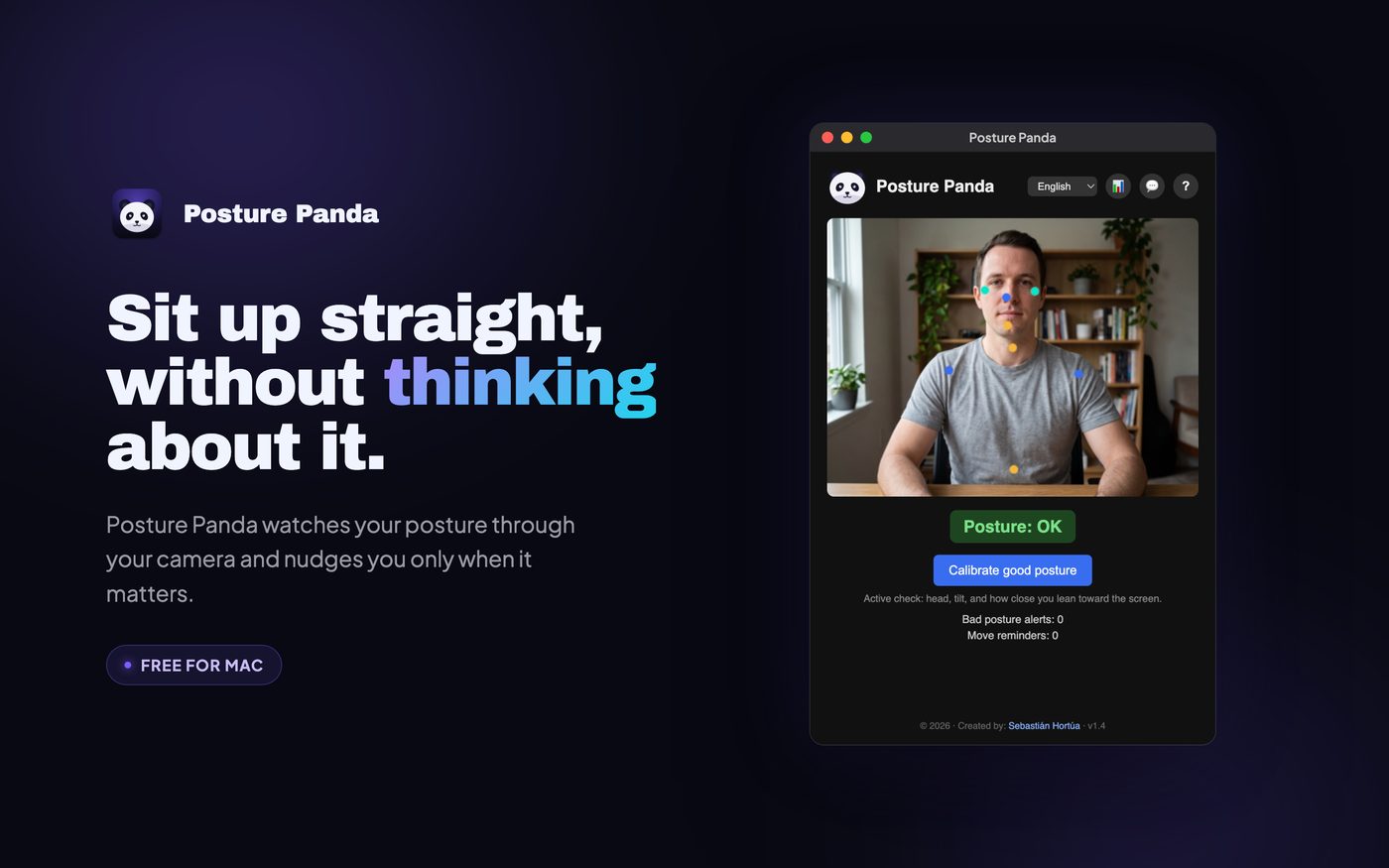
Posture Panda uses your Mac's camera to follow your head, your shoulders and how close you lean to the screen, and speaks up only when your posture slips.
How it works.
- 1
Calibrate once.
Sit the way you want to sit and press a button.
- 2
It watches your posture.
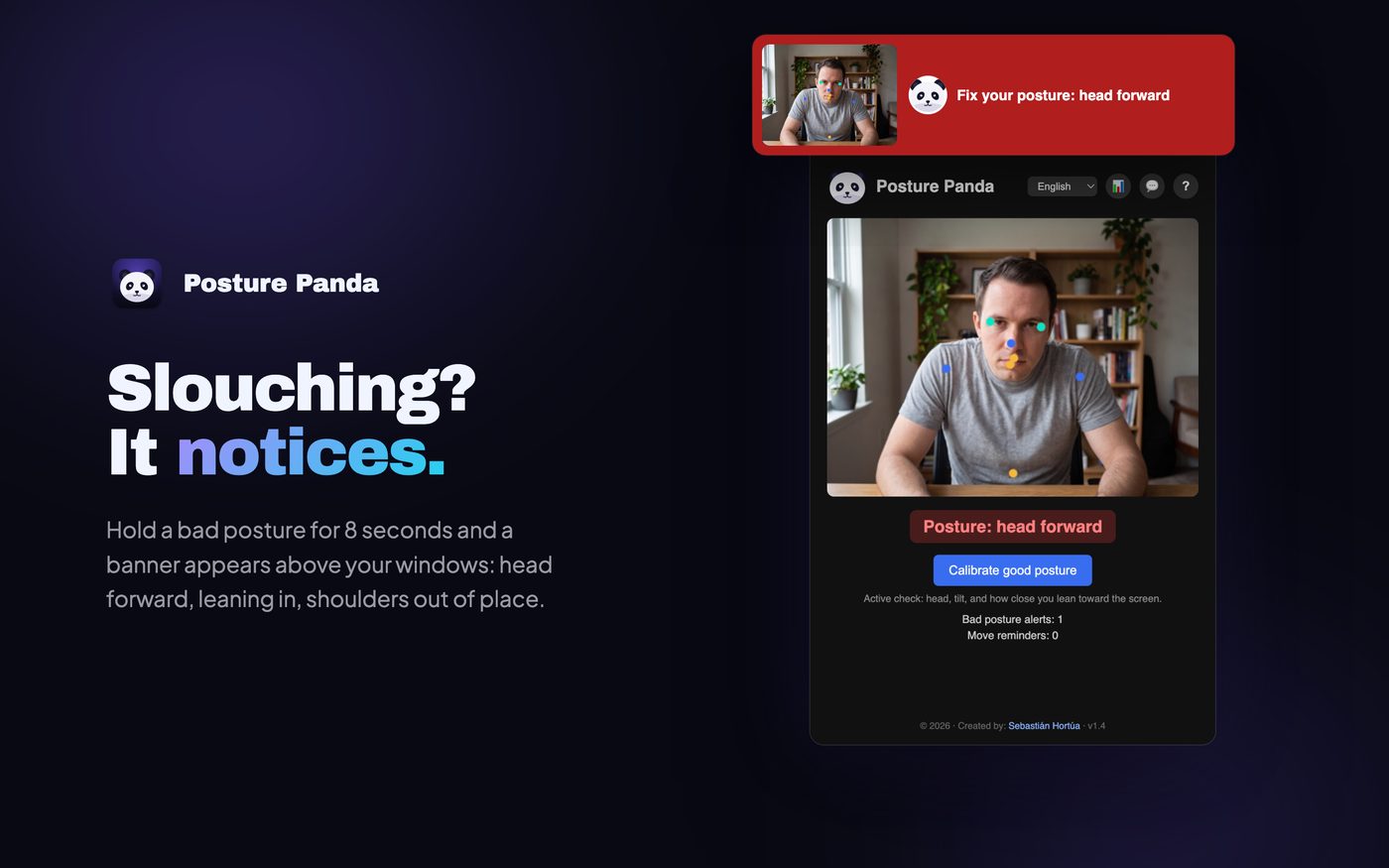
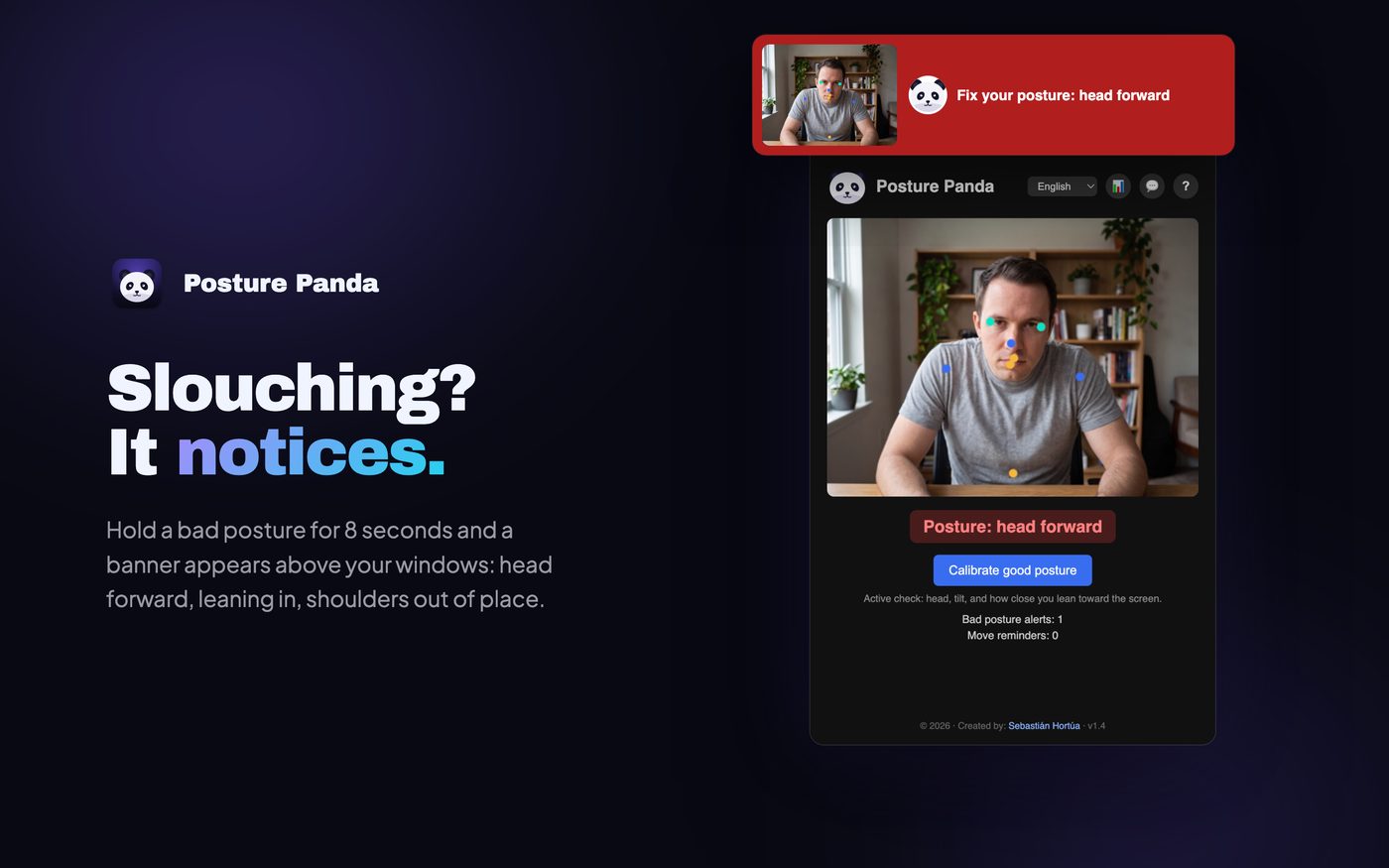
It tracks your head and shoulders right on your Mac. Slouch for 8 seconds and a banner pops up.
- 3
It reminds you to move.
After 45 minutes of sitting, time to stand up and stretch.
What's inside.
Calibrate once
Sit the way you want to sit, press a button, done.
Alerts that wait
Hold a bad posture for 8 seconds and a banner appears above your windows. No nagging for a quick stretch.
Reminds you to move
After 45 minutes sitting, it tells you to stand up and stretch.
Easy on battery
Step away and the camera switches off until you are back.
Your camera never leaves your Mac
Every frame is analyzed on your computer and thrown away. Nothing is recorded, stored or uploaded.
Signed & notarized
Signed with our Apple Developer ID and checked by Apple, so it opens without security warnings.
Take a look.
Real screens from the app.
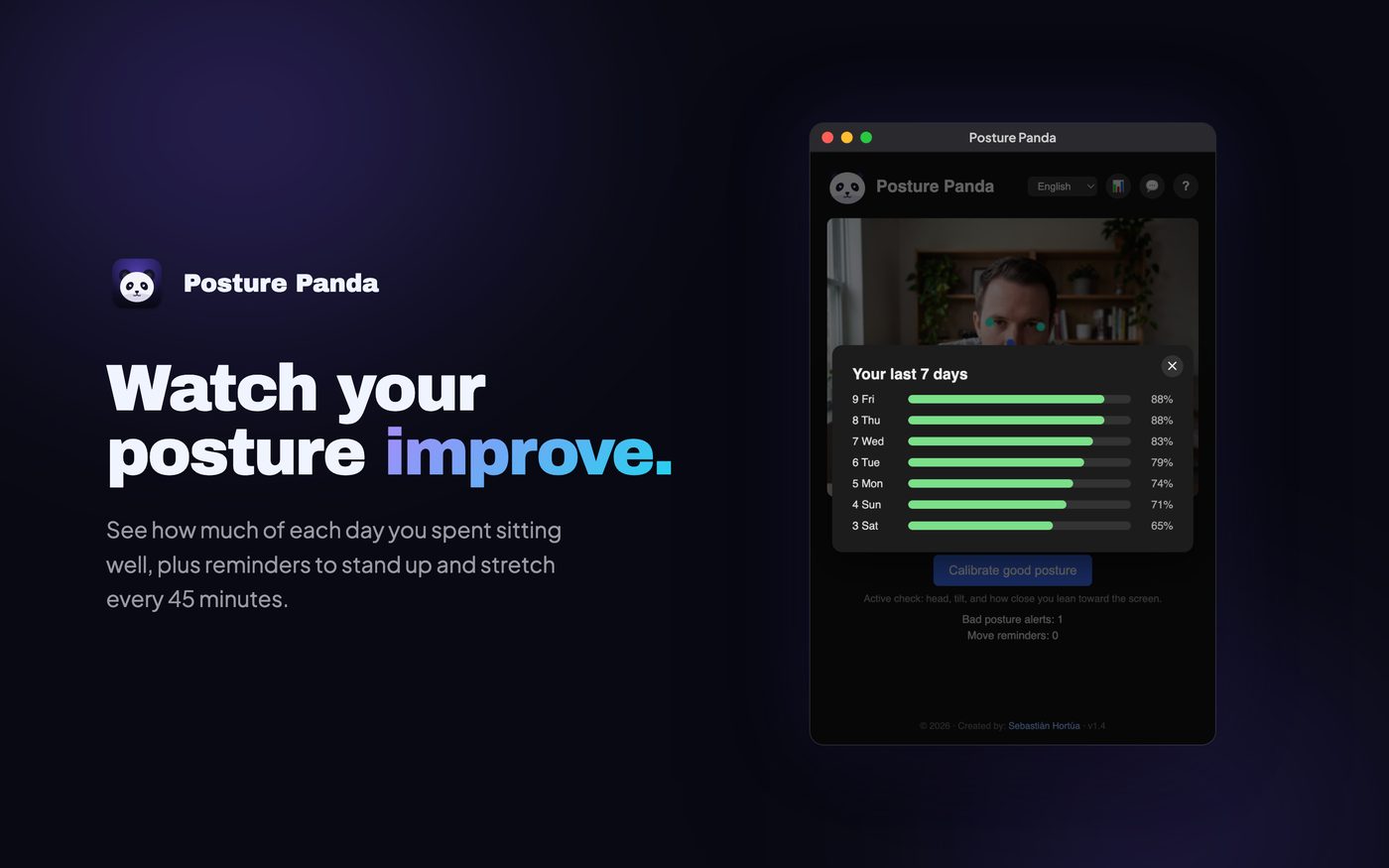
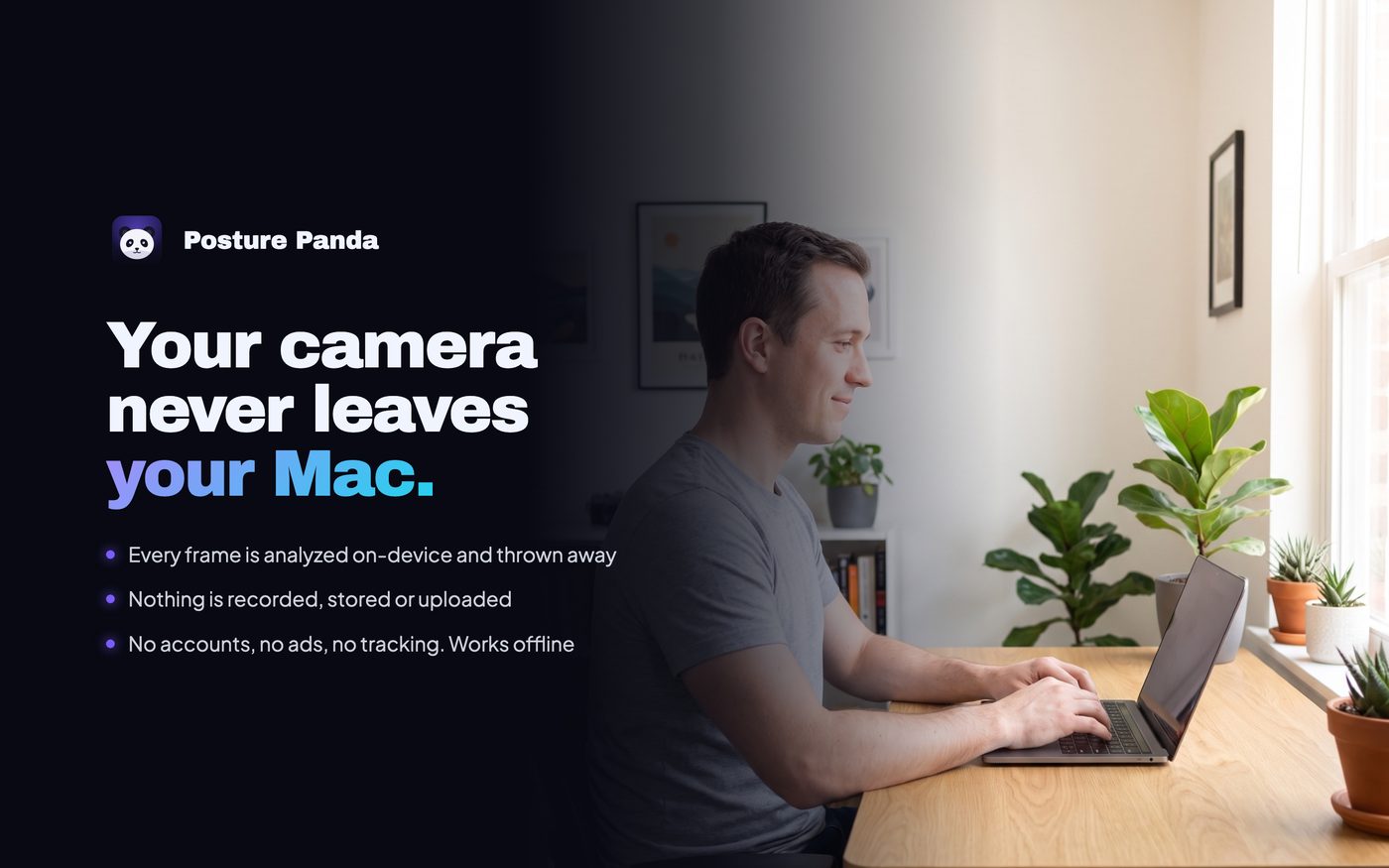
Your data stays with you.
Every frame is analyzed on your Mac and thrown away. Nothing is recorded, stored or uploaded.
Read the privacy policyInstall in a minute
Open the downloaded .dmg, drag Posture Panda into Applications, open it and allow camera access when macOS asks.
Need help?
Questions, bugs or ideas for Posture Panda? Write to s@neuralst.com or message Sebastián on LinkedIn.
Ready to try Posture Panda?
Mac · Sit up straight, without having to think about it.
More from Neural Studio.
 Panda StreaksYour habits keep a little panda alive. No pressure.
 Cringe to StarScared of the camera? Same. Let's fix that, one tiny mission a day.
 Golden Abs180 days of core training. Your character gets stronger with you.
 OutySomething to do. Right when you're free.
 CalmaCalm words for the hardest moments of parenting.
 Fix My FaceUnclench. Your face carries more tension than you think.